Matrix Version: Squiz Matrix v6.94.0
Hey everyone,
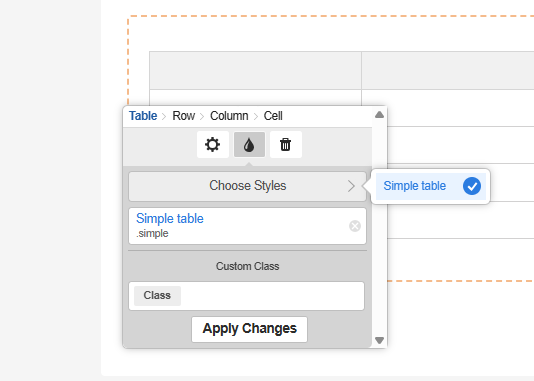
Has anyone built a CCT for use on standard pages for tables??
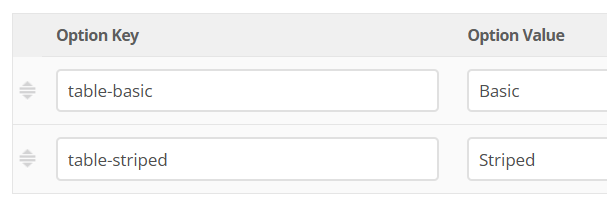
I am having trouble adding in the below markup so that our table class is available to editors, rather than them having to remember the table class. The intention is to create a CCT for use on standard pages and create a component for use on content pages.
Markup in paint layout I have is:
<table class="table table-striped" id="table%asset_assetid%">
<thead>
<tr>
<th id="table%asset_assetid%r1c1"></th>
<th id="table%asset_assetid%r1c2"></th>
<th id="table%asset_assetid%r1c3"></th>
<th id="table%asset_assetid%r1c4"></th>
</tr>
</thead>
<tbody>
<tr>
<td headers="table%asset_assetid%r1c1"> </td>
<td headers="table%asset_assetid%r1c2"> </td>
<td headers="table%asset_assetid%r1c3"> </td>
<td headers="table%asset_assetid%r1c4"> </td>
</tr>
</tbody>
</table>
I assume I dont need to use metadata here? I just require the editor to have the ability to add a table within a WYSYWIG and then add and remove columns and rows as per the tool bar functionality within Matrix. Never had this issue before creating CCTs as its asking for metadata to be completed but I dont have a schema for this.
Thanks
Innes