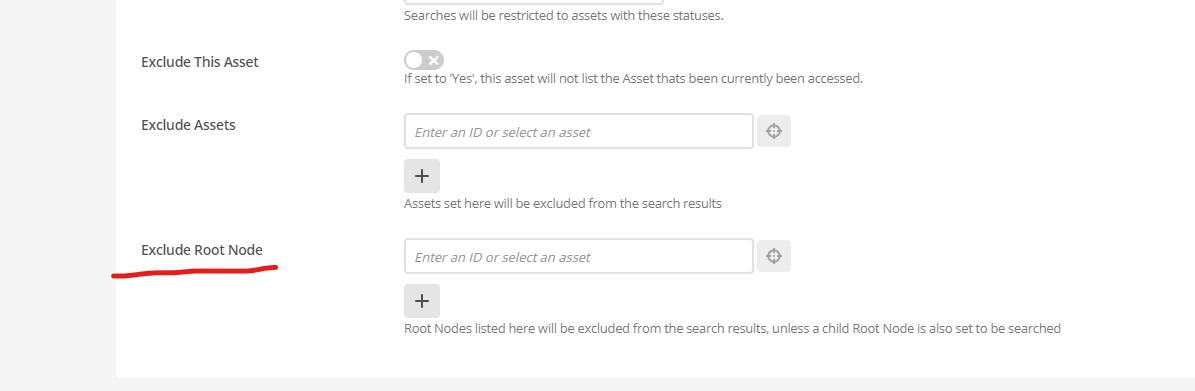
Matrix Version: 5.5.3.3
I want to exclude a page (and all other pages nested underneath it).
I have a page called “Documentation” with a whole lot of other pages nested underneath it.
I want to exclude the “Documentation” page and all other nested pages from search.
Here are the steps I used (Which haven’t worked)…
- Using Asset Tree Weights, selected the “Documentation” asset -> Customise Asset Types -> Selected Standard Page -> Updated “Enable Indexing” to “No”.
- In Search Manager details, re-indexed the “Documentation” Asset.
After doing the above steps, I open a Cognito window, and even use /_nocache after the website, however the page still remains in search.
Any ideas?