Alternatively (very hacky), you could create a new metadata field, apply it to the whole site.
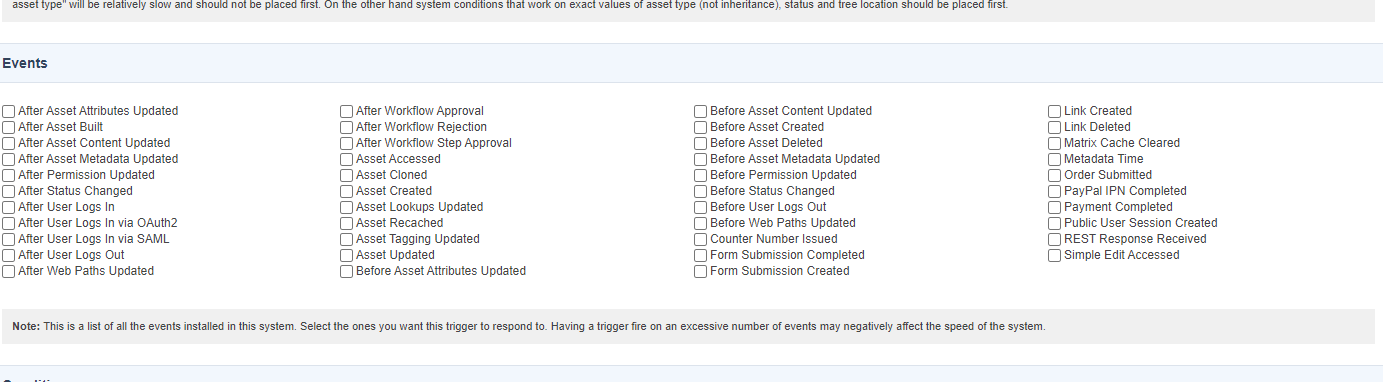
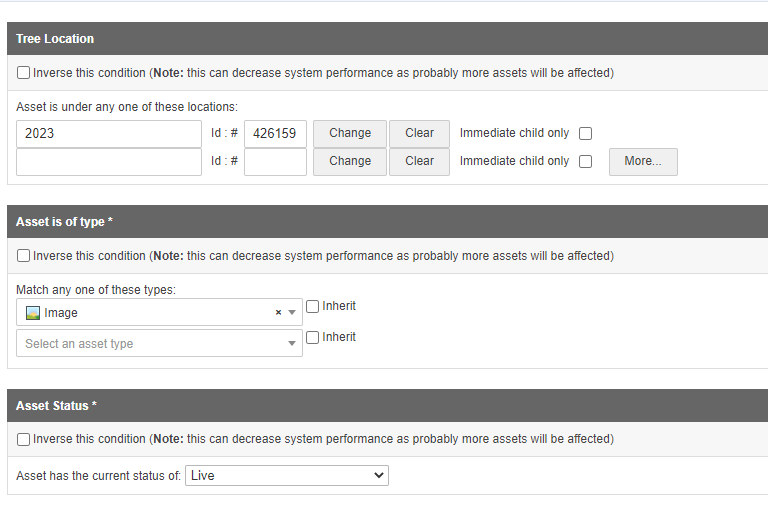
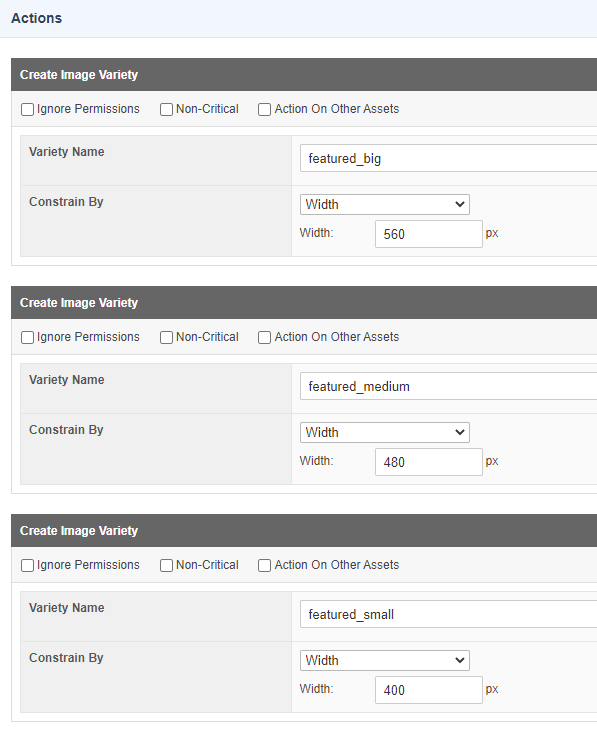
Then update your Trigger event to look for this new metadata field being updated, and then create the image varieties.
And then update the metadata field at your root asset and cascade the change down the tree.
Depending on the size of your site it might take a while.
Once you’ve confirmed it has worked, remove the metadata field altogether, and revert the trigger back to asset creation.
Hello, for future reference, you were looking for trigger batching screen of the trigger manager.
eg if you were using Asset Created event to trigger, you simulate Asset Created event on selected assets using the batching screen.